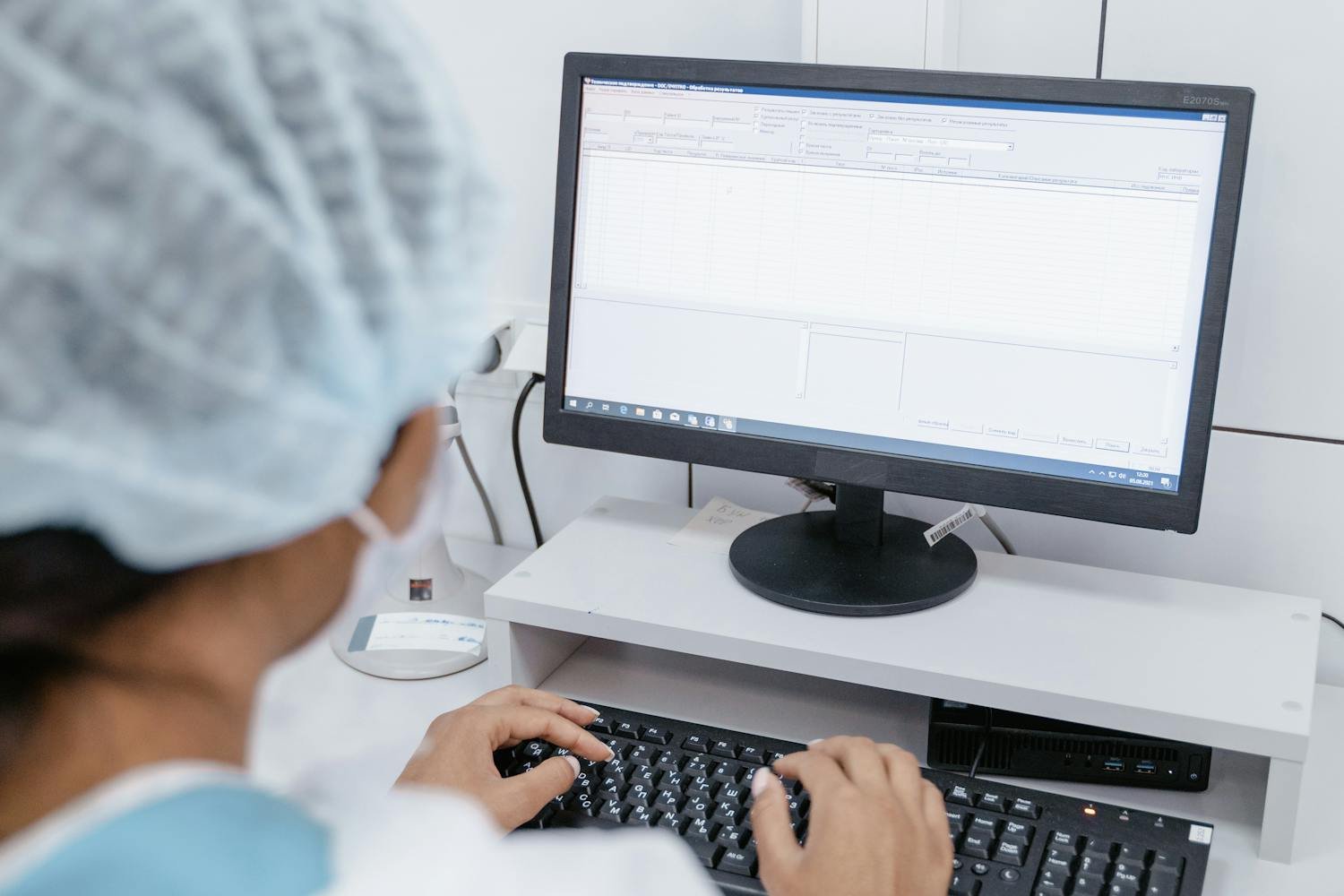

Every UK independent optician spends more time inside the patient record than any other part of their practice management software. It’s where refractions are captured, where the history of a patient’s eye health lives, where dispensing decisions start, and where eGOS claims either go through cleanly or bounce back. And yet — when most independents shortlist a new PMS, the patient records module is the part they compare the least.
It’s understandable. Pricing is on the website. Booking widgets you can demo in five minutes. Stock control gets a YouTube walkthrough. But EMR? You get a heavily-rehearsed sales screen-share, a tidy fictional patient called “John Smith”, and a vague sense that “yes, that looked fine.” Six months later you’re knee-deep in templates that don’t fit how you actually examine, recalls that don’t fire, and a clinical record that’s quietly costing you time on every single appointment.
This is a comparison guide for the part of optician PMS that matters most. If you’re shortlisting software in 2026, here’s how to tell the strong EMR modules from the ones that look fine in a demo and break down in real-world use.
Why patient records deserve the deepest comparison
Think about your last full clinic day. How many minutes did you spend inside the patient record per appointment? Twenty? Thirty? Multiply that by every test, every dispense follow-up, every contact lens aftercare. The EMR is the single biggest user-interface decision you’ll make. Get it right and your clinicians fly through the day. Get it wrong and every appointment has friction baked in — friction you’ll feel for years.
It’s also the module with the longest shadow. A booking module you can rip out and replace. An eGOS plugin you can change. But your clinical records — twenty thousand patient histories, refraction trends going back a decade, scanned documents and OCT images — those don’t move easily. The cost of switching grows with every record you add. Picking the right EMR is a long-term decision dressed up as a short-term software comparison.
The four jobs your EMR module actually does
Strip away the marketing language and an optician PMS clinical module has to do four jobs well. Compare every shortlist by these, in order.
1. Clinical capture — fast, accurate, structured
This is the obvious one but the hardest to get right. Can a clinician get from “patient walks in” to “patient walks out, record complete” without keystroke gymnastics? Watch for:
Refraction entry. Some PMS systems still treat sphere/cyl/axis as free-text boxes. The good ones use structured numeric fields with sensible step increments, dominant eye toggles, and quick-copy from previous Rx. If your clinicians have to retype the previous prescription before adjusting it, that’s a hundred wasted seconds per test. Across a year, it’s a working week.
History and symptoms templates. Open question: can you build templates for routine sight tests, contact lens fits, dry eye assessments, paediatrics and post-op reviews — and have them load in one click? More importantly, can your templates be edited by you, or do you have to raise a support ticket every time the wording changes? PMS systems that lock templates behind admin support are a slow drain on adaptability.
Image and document attachment. OCT scans, fundus photos, visual fields, GP letters, hospital reports. Where do they live? Are they attached to the appointment, the patient, or floating in some separate document store? Strong EMR modules pin everything to the patient record with a clear timeline view. Weak ones leave you hunting through folders.
Speed of save and switch. A small thing that becomes huge: how fast does the record save? How fast can you switch between two open patients in the same room? Cloud-based PMS systems vary wildly here. Demo with the broadband you’ll actually use, not the demo team’s fibre line.
2. Recall — the EMR you can’t run a recurring practice without
Patient records that don’t drive recalls are just digital filing cabinets. Every clinical encounter should set up the next one — and your PMS should do that for you, not as a manual afterthought.
The questions to ask of every system on your shortlist:
Can recalls be triggered automatically off the clinical record — by exam type, by clinical risk flag, by age, by NHS eligibility cycle? Can you mix automated SMS, email and letter, or are you locked into one channel? Can you stop a recall fast when a patient asks not to be contacted, without breaking the audit trail? And critically — can you see, from inside the patient record, the full recall history? Sent, opened, replied, booked, no-showed.
If recalls live in a different module from the clinical record — different screen, different filters, different language — you’re going to underuse them. The best EMR modules treat the recall as part of the clinical workflow, not a marketing add-on.
3. Dispensing handoff — where Rx accuracy is won or lost
Most uncollected glasses, lab remakes and patient complaints start with a small data handoff problem between the test room and the dispense desk. Your EMR is the source of truth. The question is whether it can hand off cleanly.
What to test in a demo: take a finished refraction, click through to dispense, and see what carries over. Sphere, cyl, axis, add, prism, PD — all of it should auto-populate the dispense screen with no retyping. Notes the optometrist made for the dispenser (“trial frame on cyl, patient rejected”, “prefers slight under-correction in left”) should be visible without hunting. And lab orders — if your PMS produces a lab order document, it should pull from the clinical record, not be re-entered. Every retype is a remake risk.
For independent practices that already use specific labs, ask whether the PMS supports direct lab order export — not just printing a PDF. Direct integrations are still rare across UK opticians’ PMS. They make a real difference when they exist.
4. NHS GOS and eGOS claims
If you’re a GOS contractor, the claims pathway lives or dies inside the EMR. Compare PMS systems on:
Eligibility prompts at booking and check-in — does the system prompt staff to confirm exemption category and capture proof, or is it left to memory?
One-click claim from the clinical record — once the test is signed off, can you submit eGOS in seconds, or are there extra hoops?
Rejection handling — when a claim bounces (and they will), can you see why, fix the issue and resubmit without leaving the patient record?
We’ve covered eGOS comparison in more depth before — see our full eGOS claims software comparison for the full breakdown of what to test in a demo.
Beyond the four jobs: the things that separate strong EMR from weak EMR
Audit trail and version history
Every entry in a clinical record should be timestamped, attributed to a user, and immutable. If a clinician edits a past entry, the system should record that edit — not silently overwrite. This isn’t paranoia, it’s basic GDPR and clinical governance. Ask any PMS vendor: show me the audit log for a record. If the answer is “we’ll get back to you”, that tells you everything.
Multi-clinician usability
If you have an optometrist, a dispensing optician and a CL specialist all working different days, the EMR should make sense to all of them — with role-appropriate views, signed-off versus draft entries, and clear ownership of clinical decisions. Watch out for systems where everything is under “general notes” with no clinician identity attached. That’s not a record, that’s a paragraph.
Data portability and export
Ask, before you sign anything: if I leave you in three years, what do I get back? A CSV is not enough. You want individual patient records exportable as a structured, timestamped clinical history — including images. If the PMS can’t promise this in writing, you’re not buying software, you’re renting hostage data.
Patient-facing communication from the record
The strong PMS systems make it easy to message a patient directly from their record — Rx confirmations, post-op follow-ups, dry eye check-ins, contact lens reorder reminders. The weak ones bounce you out into a separate marketing tool with separate logins and separate logs. Cohesion matters. Patients don’t care which module sent the message; they care that you remembered.
Mobile and tablet experience
Some clinicians like to consult with a tablet at the slit lamp or in the dispense area. Test the EMR on iPad and Android. Cloud PMS systems often look great on desktop and break down on touch screens. If your team works mobile-first, this is a make-or-break check.
The questions to ask in every PMS demo
Print this list. Use it on every shortlisted vendor. Score each one out of 10. The numbers will tell you more than any sales pitch.
1. Show me a clinician completing a sight test from check-in to record-saved, in real time.
2. Can I create and edit my own clinical templates without raising a support ticket?
3. How are OCT, fundus and visual field images attached to the patient record? Show me the timeline view.
4. Show me the recall set up automatically from this clinical entry.
5. Take this completed refraction and walk me through the dispense screen — what carries over, what gets retyped?
6. Submit a test eGOS claim from the record. How many clicks?
7. Show me the audit log for any past entry. Who edited what, and when?
8. If I cancel my contract, how do I get my clinical data back? In what format?
9. Can I message this patient from inside the record? Where is the message log?
10. Show me the same patient record on an iPad.
If a vendor balks at any of these, that’s your answer.
Red flags that something’s wrong with the EMR module
Some warning signs are subtle and only show up after you’ve signed. Watch for these in early demos and in conversations with current users:
The demo always uses the same fictional patient. Ask to see ten different real-world records (suitably anonymised) — variety should be easy to produce.
The vendor talks about “templates” but every template looks identical. Templates that aren’t truly customisable are templates in name only.
The clinical record and the appointment book live in obviously different “eras” of the software — different fonts, different button styles, different click behaviours. That’s a sign the EMR was bolted on later, not built into the core.
The vendor can’t tell you who their EMR was designed with. The strongest clinical modules in this market were built alongside actual practising clinicians. The weakest were built by developers reading specifications.
Existing customers describe their workflow with phrases like “we just write everything in the notes box” or “we use a separate system for [X] anyway.” That’s a tell that the official workflow doesn’t fit how the practice actually runs.
Why we built Raven Vision’s clinical module the way we did
Raven Vision was built inside Shaukat’s three practices before it was sold to anyone else. The clinical module wasn’t designed in a meeting room — it was used by an optometrist on actual sight tests, every day, for years before another practice ever saw it. That’s why structured refraction, customisable templates, image attachment, integrated recall, dispense handoff and one-click eGOS all sit in the same record, with the same look and feel, with no module-bolt-on awkwardness.
We’re not the cheapest PMS in the UK. We’re not the most established. What we are is a clinical record that an optometrist actually uses, refined by complaint, and built around how UK independents really work — eGOS contracted, multi-disciplinary, patient-recall-driven, glasses-and-CL revenue mixed. You can see all of this in our feature breakdown, including how the EMR connects to recall, dispense and claims in one flow.
If you’re switching from another system, we cover the migration end-to-end — clinical histories, image archives, recall lists, the lot. There’s a fuller piece on what that actually involves in our PMS switching guide.
The bottom line
The EMR module is the single biggest day-to-day decision you make when choosing optician PMS. It’s also the one most independents under-test. Demo it like you’d test-drive a car you’re keeping for ten years — by your own clinicians, with your own templates, on your own broadband, doing your real workflow. Pay attention to clinical capture speed, recall integration, dispense handoff, eGOS handling, audit trail, data portability and mobile usability. If a vendor passes all ten demo questions, you’ve found a serious contender. If they dodge two or three, keep looking.
If you’d like to see how Raven Vision handles the full clinical record in a real workflow — refraction through to recall and claims — book a 30-minute demo with Shaukat. It’s a working clinician walking you through software a working clinician built, on a record that looks like the one you’ll actually use day to day. No pre-rehearsed John Smith.