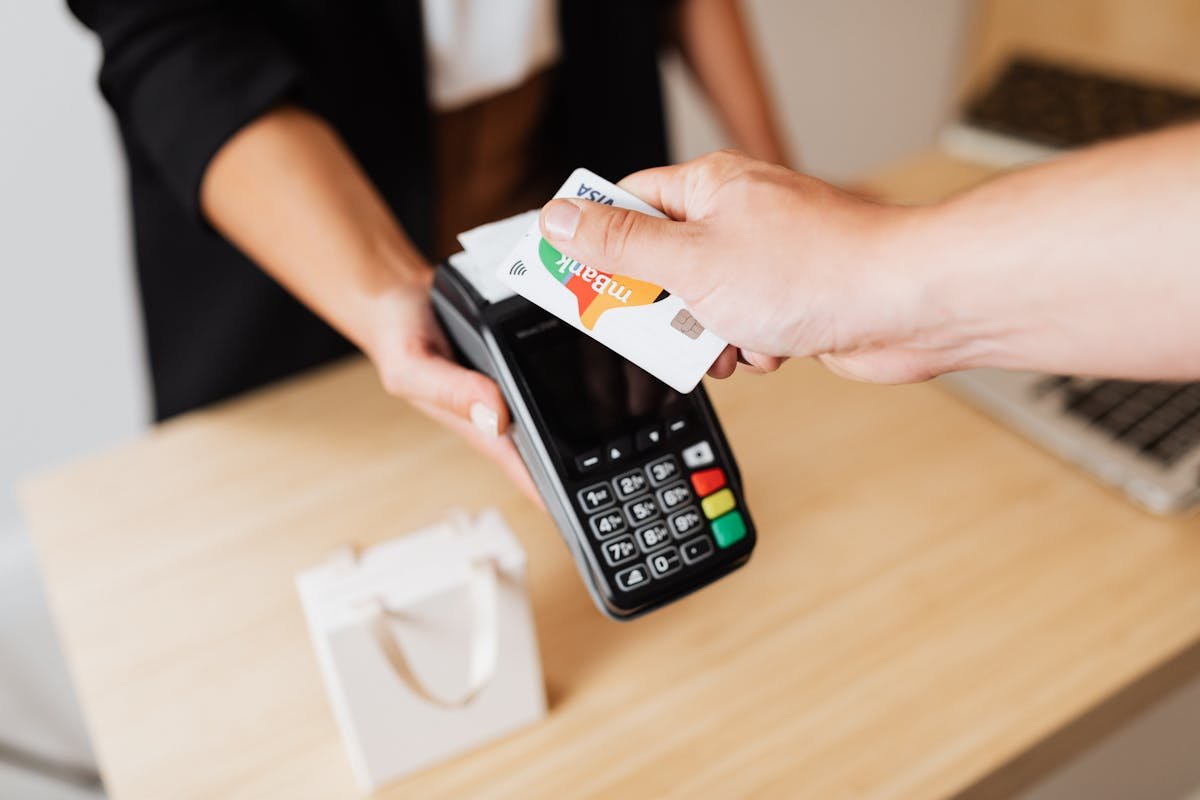

Most optician PMS demos spend an hour on the diary, twenty minutes on the clinical record, ten on stock — then someone says “and of course it does payments” and moves on. That’s a mistake. Payments and till integration is one of the most-used modules in the system, it touches every revenue-generating moment in your day, and it’s where small frictions become large cash leaks. If your dispense desk takes 90 seconds longer per transaction than it should, that’s an extra hour of staff time every busy day and a queue your front desk doesn’t need.
This post is for UK independent opticians comparing PMS in 2026. We’ll cover what a payments module should actually do, the six dimensions to compare vendors on, ten demo questions, the red flags that should make you walk away, and what “good” looks like by year end.
Why payments is the module that gets skipped in PMS demos
Three reasons. On the surface every vendor looks the same — tap a few buttons, the card terminal beeps, a receipt prints. The people in the demo are usually owners or practice managers, not the DO or receptionist who runs the till twenty times a day, so the pain doesn’t surface. And payment gets treated as bookkeeping rather than patient experience.
The result: practices switch PMS, discover six months in that splitting a £540 spectacle sale across a £200 deposit and a £340 balance is fiddly, that GOS claims don’t talk to the till, and that refunds need a manager override every time. None of that came up in the demo. Payments deserves the same scrutiny you give the diary or the clinical record. It is, quietly, the module your team will touch most often.
What “payments and till integration” actually means in 2026
The scope is broader than it looks. A modern PMS payment module needs to handle:
- Card terminal integration — the PED reads the transaction value from the PMS, not the operator typing it
- Multiple payment methods on one sale — card, cash, voucher, finance, GOS, account credit, all split cleanly
- Deposits and balances — deposit at order, balance at collection, both visible on the patient record
- NHS GOS and private split — knowing what the patient owes vs what the NHS will pay, automatically
- Refunds and credit notes — with a proper audit trail linking back to the original sale
- End-of-day reconciliation — cash count, card totals, GOS pending, all matched to the PMS
- Voucher and gift card handling — issued, redeemed, partially redeemed, expired
- Finance and instalment plans — V12, Klarna, Tabeo or internal direct debit, integrated to the patient record
- Reporting — by clinician, method, site, day
If any of those pieces are missing or live in another system, you’ll feel it — probably not on day one, but reliably by month three.
The four jobs your PMS payment module has to do
Strip everything else away and there are four jobs. Test every vendor against these.
Job 1: Take a payment in seconds at the dispense desk
The patient is collecting their glasses. The DO needs to bring up the sale, take the balance, print or email the receipt, and close out — under 30 seconds for a card transaction. If your PMS makes the DO type the amount manually into the terminal, that’s a re-entry error waiting to happen. If it can’t split £340 across a £200 card payment and a £140 voucher in one transaction, the queue grows.
Job 2: Reconcile to the day automatically
At close, the till count, card terminal Z-report and PMS daily summary should agree without anyone re-keying numbers. If they don’t, the PMS should flag which transactions are the cause. Manual reconciliation costs a senior staff member 15-30 minutes a day. Across a year, that’s a working week of someone you’d rather have on the dispense desk.
Job 3: Handle NHS GOS claims alongside private take
A GOS-1 sight test is partly NHS, sometimes partly private. The PMS needs to record what the patient paid, what the NHS will pay later, and what’s outstanding — without making the DO calculate it. Same for GOS-3 vouchers against a spectacle sale: deduct the voucher value, charge the balance, lodge the claim. Done properly, this is invisible. Done badly, it creates a parallel spreadsheet your bookkeeper hates.
Job 4: Hold deposits and refunds cleanly
A £200 deposit at order should sit on the patient record as a liability against an open job. At collection, it converts to revenue and the balance is taken. If cancelled, it refunds back to the original card with a credit note and audit trail intact. If your PMS can’t do that without Excel, your end-of-month is harder than it needs to be.
Most PMS systems handle two of those jobs well, one acceptably, and one badly. The ones that handle all four are the ones worth your time.
Six dimensions to compare PMS vendors on
These are the questions to score every shortlist vendor on, not the marketing pitch. Make them show you each one in a demo with your own example data.
Dimension 1: Card terminal integration
There are three levels. None — your PMS and your card terminal are separate; the DO reads the amount off the screen and keys it in. One-way — the PMS pushes the amount to the PED, but doesn’t confirm payment back. Two-way — the PED tells the PMS the payment succeeded, with the auth code, and the sale closes automatically. You want two-way. Ask: which PED providers are supported (Worldpay, Dojo, Stripe Terminal, SumUp, Adyen, Square, Barclaycard Smartpay)? Is the integration fully two-way? What does it cost — terminal hire, transaction fees, integration fee?
Dimension 2: Payment splitting and deposits
Can you split one £540 sale across, say, £100 voucher + £200 card deposit + £240 card balance — and have all three live on the same job, in two visits? Can you do part-pay-now part-pay-on-collection with full clarity for the patient? Can you take a deposit on a frame that hasn’t been ordered yet? Watch the actual click count in a demo. Three clicks fine, eleven clicks is a problem.
Dimension 3: GOS interaction
For an NHS practice, this is where many PMS vendors quietly fail. Does the till screen know the patient is GOS-eligible because the appointment was booked as GOS? Does it auto-deduct the voucher value from a spectacle sale? Does the claim file generate the same minute the dispense is paid, or does someone batch it manually at end-of-week? If your eGOS claims live in a different module that doesn’t talk to payments, you’re double-handling. (We covered eGOS claims and PMS comparison in this earlier post, worth a read before any payment demo.)
Dimension 4: Refunds and credit notes
Three things to test. Can a DO process a refund without a manager override for routine reasons (lens unsuitable, frame faulty)? Does the refund go back to the original card automatically, or does the DO have to manually re-key it on the PED? Is there an audit trail linking refund → original sale → reason code → who authorised it? Practices that get this wrong end up with refund culture problems — either too easy (revenue leak) or too hard (queue at the manager’s office).
Dimension 5: End-of-day reconciliation
Ask to see a daily Z report. It should show: PMS total take, by method; card terminal total; cash drawer count; variance; GOS claims pending; deposits taken; deposits applied; refunds; net deposit to bank. Then ask: can the receptionist close the till in under five minutes? If not, you’re paying for the friction in staff time every single day.
Dimension 6: Reporting on take and method
Beyond the daily Z, you need the monthly view. Take by clinician, by site, by payment method, by service type (eye test, glasses, contact lenses, GOS). You need to see things like the ratio of card vs cash trending over time, average transaction value, and the proportion of revenue tied up in unclaimed deposits. We covered PMS reporting more broadly in this post on reporting and analytics — the payment module needs to feed those reports cleanly, not as a separate export.
Ten demo questions to ask every PMS vendor
Print this list. Take it into every demo. Make the salesperson show you, not tell you.
- Which card terminal providers do you integrate with, and is the integration two-way? Show me the auth code coming back to the PMS.
- How many clicks does it take to split a £540 sale across a £200 deposit and a £340 balance on collection? Show me both visits.
- Can a DO take a deposit on a frame before the order has been placed with the supplier? Where does that deposit sit on the patient record?
- For a GOS-1 with a private add-on, how does the till screen know what to charge the patient now and what to claim from the NHS later?
- For a GOS-3 voucher against a £280 spectacle sale, show me the till screen. How does the voucher value deduct, and when does the claim file generate?
- Can a DO refund a £140 frame back to the original card without a manager override? What’s the audit trail look like?
- Show me the end-of-day Z report. Can the receptionist close the till in under five minutes if all numbers agree? What does the system do if they don’t agree?
- Show me a monthly report of take by clinician, by method, by service type. Can I filter to one site or across all of them?
- How do you handle finance plans (V12, Klarna, internal DD) — is the agreement linked to the patient record, and does the till know the patient is on a plan?
- What does it cost? PMS subscription, per-transaction fees, terminal hire, integration fees, support charges. All in.
If a vendor can’t answer all ten with a live demo, treat that as data.
Five red flags that should make you walk away
Some patterns reliably mean trouble.
“Payments is a separate module — that’s an add-on.” Payments is core. If a vendor charges you a separate monthly fee for the till, the integration is usually shallow.
The DO has to type the amount into the card terminal. This is 2026. Two-way PED integration has been standard in serious retail systems for ten years. If your PMS still expects manual entry, the rest of the product is probably equally behind.
GOS claims live in a different system that doesn’t talk to the till. Means double-entry, mismatched records, and a quarterly reconciliation hell.
End-of-day requires Excel. If a vendor’s answer to “how do you reconcile?” includes the word “export”, you’re going to be doing manual work every single day.
Refunds need a database-level workaround. If the salesperson says something like “you can refund through the supplier portal” — that means there’s no proper refund flow in the PMS itself. That’s a problem in year one and a worse problem in year three when you have hundreds of refunds in your history.
What good looks like in 2026
A high-quality PMS payment module in 2026 should give you:
- Two-way PED integration with at least three of the major UK providers, so you have negotiating power on terminal fees
- One-screen split payments, including card/cash/voucher/credit/GOS in any combination, on one sale, in under 30 seconds
- Deposit handling that lives on the patient and job record, with automatic conversion to revenue at collection
- GOS-1 and GOS-3 interaction at the till, with eGOS claim generation triggered from the dispense payment (not a separate batch)
- Refunds back to original card, with audit trail, no manager override for routine cases under a configurable threshold
- End-of-day Z report that reconciles PMS, PED and cash in under five minutes, with variance flagging
- Monthly reports by clinician, site, method, service type — filterable, exportable, and reading from the same source-of-truth as the daily Z
- Optional finance plan integration with at least one of V12, Klarna, Tabeo or built-in direct debit
- A unified patient ledger showing every payment, deposit, refund and outstanding balance for that patient
That’s the standard to compare against. Most legacy PMS systems will fall short on two or three points. The ones built more recently usually handle six or seven. A small number handle all of them.
How Raven Vision approaches payments
Raven Vision was built inside Shaukat’s practices, so payments wasn’t an afterthought — it was designed around how a UK independent actually takes money on a busy Saturday: GOS, private, deposits owed, balances due, and a receptionist who needs to close the till and lock up by half five.
The pieces that matter most: two-way PED integration with the major UK providers. One-screen split payments, including GOS deductions, deposits and vouchers. eGOS claims that generate automatically when the dispense is paid, not as a Friday batch job. Deposits that live cleanly on the patient and job record. Refunds with proper audit trail. End-of-day Z that reconciles in minutes. All of it included in the £149/month base subscription — payments isn’t a paid-up add-on. Not because we whiteboarded a perfect module — because Shaukat’s team got tired of typing card amounts twice and reconciling tills with a calculator.
A pre-signing checklist
Before you sign with any PMS vendor, run this checklist on the payment module specifically.
- Demo with your own example data — your typical Saturday transactions, not their canned demo
- Put your receptionist or DO in front of the till screen for 30 minutes, doing real dispenses, and listen
- Ask for written confirmation of which PED providers are supported and at what integration depth
- Ask for written confirmation of GOS interaction — claim trigger, voucher deduction, eGOS file flow
- Ask for the all-in monthly cost: PMS, per-transaction fees, terminal hire, support, integration fees
- Talk to two existing customers who use the payment module heavily and ask about end-of-month
- Get a test account for 48 hours and process ten dummy sales of varying complexity
If a vendor refuses any of those steps, that’s the answer.
The bottom line
Payments isn’t the sexy part of a PMS demo, but it’s the part you’ll touch most often, where money actually moves, and where small frictions add up to real cost over a year. Vendors that take it seriously have built two-way PED integration, clean split payments, GOS interaction at the till, and reconciliation that closes in minutes. The ones that don’t will cost you staff time and quiet revenue leakage you won’t notice until the bookkeeper points it out.
Walk through the ten demo questions above with every vendor on your shortlist. The differences will be obvious.
If you’d like to see how Raven Vision handles payments end-to-end — from a GOS-1 deposit through to a multi-method dispense and end-of-day Z report — book a demo here. We’ll show you the till screen on the busiest Saturday we can simulate. To compare on broader features first, the features page walks through the whole platform.