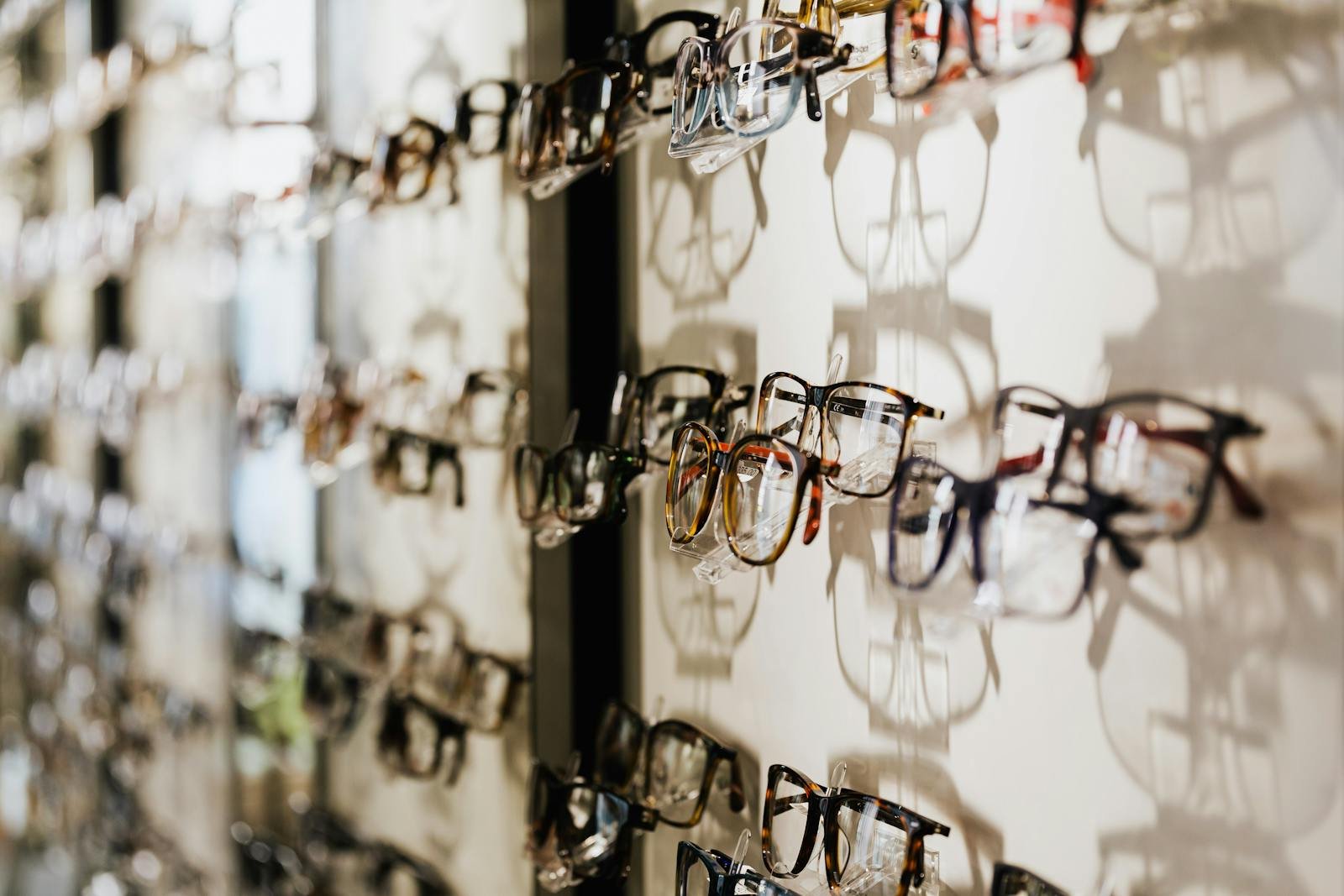

Stock is the most expensive thing in most independent optician practices that nobody actually tracks properly. The frames on your walls represent tens of thousands of pounds sitting still. The contact lens cupboard hides a slow leak of expired blisters. The lens stock in the back room is half-organised, half-guessed at. And the practice management software most independents are running treats all of it as an afterthought.
That’s a problem, because in 2026 your stock module isn’t a “nice to have” inside your PMS — it’s where a real chunk of your profit either gets protected or quietly walks out of the door.
This piece is a comparison guide. If you’re looking at practice management software for your UK independent practice and trying to work out whether the stock and inventory side of any given system is actually fit for purpose, this is the framework. We’ll cover the four jobs your stock module must do, the six dimensions to compare vendors on, the demo questions that separate honest software from polished demos, and the red flags that tell you the system was never really built around how an optician actually runs frames.
Why your PMS — not a spreadsheet, not the till — has to own stock
The most common setup in independent practices is split-brained. Patient records and appointments live in one system. Stock lives somewhere else — a frames spreadsheet, a printed sheet on the dispense desk, a separate retail till, or just the dispensing optician’s head. The result is predictable: you can’t tell at 4pm on a Tuesday whether a specific frame is still on the wall, whether you’ve already sold the last of a model in your popular bridge size, or whether that £180 frame the rep is pushing is actually moving.
The reason your PMS has to own stock — and own it properly — is that stock data and patient data are the same workflow. When a patient is mid-dispense, you need to know what’s in the practice and what isn’t, what’s been reordered, when it’ll arrive, and what the equivalent options are. Splitting that across two systems creates the cracks where revenue leaks: lost sales because nobody knew the frame was already gone, double orders because two staff couldn’t see each other’s actions, stock write-offs the owner finds out about months later.
So when you’re comparing optician practice management software, the inventory module isn’t a secondary feature you’ll worry about later. It’s central. Here’s how to compare it like it matters.
The four jobs your stock module must do
Strip away the marketing language on every PMS website and the inventory module exists to do four things. If a system doesn’t do all four well, it’s not really an optician inventory system — it’s a list of products with a price field bolted on.
1. Tell you what you actually have, right now
Real-time, accurate stock counts by SKU, by location, by collection, by brand. Not “what we ordered”. Not “what the rep dropped off last week”. What’s physically on the wall and in the back, this minute. If two staff members are dispensing at the same time and one sells the last of a model, the other should see it gone within seconds.
2. Connect stock to the patient and the dispense
The second a frame is selected for a patient, your system should know: this SKU is now committed to this patient, this dispense, this prescription. Not “in stock” any more, not “sold” yet — committed. That status matters because it stops the same frame being sold twice, and it gives you a clean trail when the patient returns to collect.
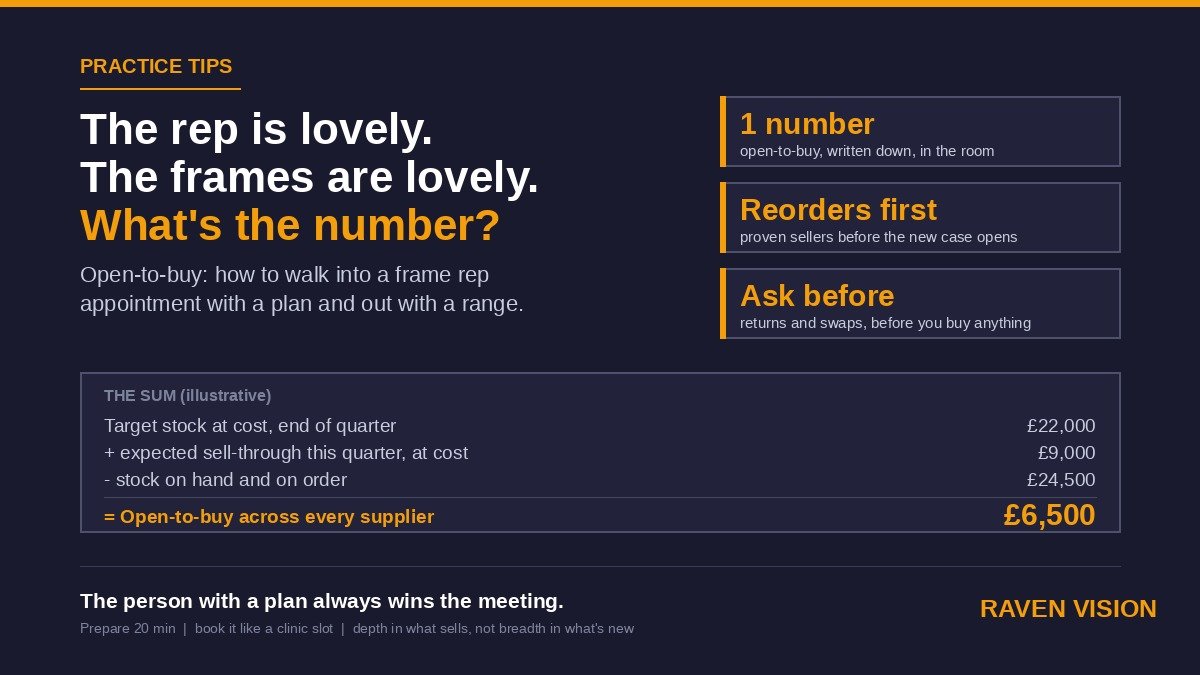
3. Tell you what to reorder, before you run out
Min/max levels by SKU. Velocity-aware reorder suggestions. A working order book that knows what’s on the way and when it’s expected. Good systems will surface the reorder list automatically every week, with quantities suggested based on what’s actually selling, not what you bought twelve months ago.
4. Tell you what’s making money and what isn’t
Stock turn by collection. Margin by SKU. Sit-time on the wall. Dead stock reports. The conversations independent opticians need to be having with their reps in 2026 are data-led, not gut-led. If your PMS can’t tell you the bottom 20 frames by sit-time, you’re paying the rep to hold the conversation, instead of the other way round.
Six dimensions to compare PMS stock modules on
Once you know the four jobs, the next question is how each vendor approaches them. These are the six dimensions that actually separate the systems built for optical from the systems that look like they were built for a clothing shop.
Optical-specific data model
Frames have collections, materials, bridge sizes, eye sizes, temple lengths, colour codes, lens groove types. Contact lenses have base curve, diameter, power range, modality, packs-per-box. Solutions have shelf life. Lenses have indices, treatments, designs. A serious optician PMS understands all of this natively. A weak one stores everything as “product name” and “price”, and forces you to put structure in the description field. Ask to see how the system handles a frame’s full attribute set, and a CL’s prescription range.
Barcode and scanning workflow
Receiving a delivery should be a scan-and-go process: scan in, count in, done. Dispense should be a scan-out. Stock checks should be a tablet walk-round with a Bluetooth scanner, not an Excel print-out and a biro. If a vendor can’t show you a smooth scan-based workflow on real-world barcode formats (the small printed labels on frame temples and CL boxes), the team selling you the system has never actually worked in a busy dispense.
Real-time visibility across locations
If you’ve got a second practice — or you’re planning one — your stock module has to give you one view across both. “We can transfer stock between sites” isn’t the same thing as “we can see live availability at both sites and reserve a frame at site B for a patient at site A”. The latter is what unlocks multi-site retail.
Reorder logic and supplier integration
The strongest systems integrate with your major frame and CL suppliers — automated price lists, electronic ordering, delivery tracking. The weakest treat every order like an email to the rep. Ask which suppliers the system has live integrations with, not “supports” or “can be configured to work with”. Live electronic ordering saves real hours every week.
Returns, write-offs and shrinkage
Frames break. Reps take stock back. Patients return goods. Things go missing. Every one of those events needs a proper record, a reason code, and a financial trail. If the system makes write-offs an awkward back-office task, your stock figures will quietly drift away from reality until the next stocktake reveals the gap. A good PMS makes write-offs and returns a one-screen action, with the reason code feeding into reports you actually look at.
Stock-to-dispense workflow
This is where most systems fall apart. The cleanest optical PMS treats stock and dispense as one continuous workflow: frame selected → committed to patient → lens order raised → expected dates tracked → patient notified when ready → collection logged → stock figure reconciled. The weakest systems make you re-enter the frame on the dispense screen because the inventory module and the dispense module were written by different teams. Watch the demo carefully. If anyone is typing a frame name twice, the integration is fake.
Ten demo questions to score every PMS on
The fastest way to separate vendors is to send the same ten questions to each and watch how they answer. Vague answers and “we’ll add that to the roadmap” are themselves the answer.
1. Show me, live, a stock count for one frame model by SKU at one site, right now.
2. Walk me through receiving a delivery of 40 frames, scanned in. How long does it take?
3. A patient picks a frame mid-appointment. What does the system do automatically?
4. Show me the reorder list the system would generate today, and how it built it.
5. Show me my bottom 20 frames by sit-time on the wall over the last 12 months.
6. We have two practices. Show me live availability of a single SKU at both sites in one view.
7. Which UK frame and CL suppliers do you have live electronic ordering with?
8. Show me how I write off a damaged frame and the financial trail that creates.
9. Show me the dispense screen from a frame already selected on the patient — without re-entering it.
10. Show me the stock-take workflow on a tablet with a scanner. Run a count for one collection.
If a vendor can’t do these on a real demo system in under an hour, the module isn’t ready for your practice.
Five red flags to watch for
Some signals show up across enough demos that they’re worth calling out plainly.
Stock is a separate add-on. If inventory is sold as a paid module on top of the “core” PMS, you’re being primed for an upgrade fight every time you want a basic feature. In modern UK optician PMS, stock should be in the base subscription.
The data model is generic. If the system can’t natively store a frame’s eye/bridge/temple measurement structure or a CL’s full prescription range without you stuffing it into a notes field, the system wasn’t built for optical.
No live supplier integrations. “We can export a CSV” or “we work with all suppliers” is sales-talk for “we have no integrations”. Ask for the list with names.
Stock checks rely on paper. If the only way to do a stocktake involves printing a list and writing on it, the system is a decade behind. Tablet-based counts with scanners are table-stakes in 2026.
Reports don’t include optical-specific metrics. “Stock turn” and “sit-time” should be one-click reports, not custom builds. If the vendor’s analytics module can show “total products sold” but can’t show “average sit-time on the wall per collection”, their reporting wasn’t built by anyone who’s worked the floor.
What good looks like in 2026
The bar in 2026 is higher than it was when most of the legacy UK PMS systems were built. A modern optician PMS stock module gives you:
Real-time stock visibility across every site, including reserved/committed stock, on tablet, on phone, behind the dispense desk. Receiving with a scanner. Dispense that pulls from stock automatically. Reorder lists generated by velocity, not by gut. Live electronic ordering with the suppliers you actually use. A write-off and returns flow that takes seconds, not minutes. Stock-turn, sit-time, dead stock, and margin reports built in. And — crucially — the whole thing inside the same system as your patient records, your dispense, your appointments, your eGOS claims, and your recall.
That’s the integration that pays for the software many times over. The independents who get this right reclaim cash, kill dead stock, and stop losing sales to “out of stock” frustration. The ones who don’t are still doing quarterly stocktakes on paper in 2026.
Where Raven Vision fits
Raven Vision was built inside Shaukat’s three practices first. Stock wasn’t an afterthought — it was one of the modules that drove the build, because in independent practice the frame on the wall is half the business. Inventory, dispense, and patient records sit in one system, with one data model, on one screen flow. Frames carry their full optical attribute set natively. CLs carry their full prescription range. Barcode workflows for receiving, dispense, and stocktake are built in. Live stock visibility runs across multiple sites for the practices that need it. Reorder logic is velocity-aware and surfaces a working order list automatically. Returns and write-offs are one screen with reason codes. Sit-time, stock turn, and margin reports are one click.
And it’s all in the base subscription at £149 per month, per location — not a paid add-on, not an enterprise tier. That matters because the practices that need clean stock data most are usually the ones that don’t have spare budget for a premium tier on top of their software bill.
If you’re considering switching practice management software, or you’re running a frame stock module that’s basically a glorified spreadsheet, the inventory question is one of the cleanest tests of whether the system you’re looking at was actually built for optical.
A pre-signing checklist for the inventory module
Before you sign anything, run this six-point check on the system you’re seriously considering.
You can pull a live stock count for any SKU, at any site, in seconds. You can scan in a delivery. The dispense screen pulls from your stock without re-typing the frame. The system generates a reorder list automatically, with quantities based on velocity. Live electronic ordering exists with at least the suppliers you actually use. Stock-turn and sit-time reports are available out of the box. If any of those answers is “we’re working on that” or “you can configure that”, treat it as a “no” and price accordingly.
And run the same check against what you’re using right now. If your current PMS fails three or more of these, you’re losing more money to bad stock data than the cost of switching.
The honest version of this story
Stock management isn’t glamorous and it isn’t what gets sold on PMS websites. The marketing pages focus on appointments, eGOS claims, recall, and dispense. But ask any independent owner who’s done a full stocktake at the end of a year and discovered tens of thousands in unaccounted variance, and they’ll tell you that stock is where the quiet money lives. It’s also where the quiet money leaks.
The right PMS makes that leak visible, then fixable. The wrong one keeps the leak hidden until the year-end accounts ask a question nobody wants to answer.
If you want to see what proper integrated stock looks like inside a system built for UK independent opticians, book a 30-minute demo with Raven Vision. We’ll show you the real product on a real practice’s data, and you can ask all ten of the questions above.