

Most practices choose a practice management system on the strength of a feature list. Two columns of ticks, a slick demo, a price, and a decision. Then the software arrives, the migration wobbles, the training is a single rushed afternoon, and six weeks in the receptionist is still ringing a helpline that closes at 4pm. The features were never the problem. The support was.
Support, onboarding, training and data migration are the parts of a PMS purchase that decide whether you actually get the value you paid for. And they’re almost never compared properly, because they don’t fit neatly into a feature grid. This post is about how to compare them anyway — what to ask, what good looks like in 2026, and the red flags that tell you a switch is going to hurt.
Why the service side gets skipped in the buying process
There are a few honest reasons practices under-weight support and onboarding when they choose software.
The first is that it’s invisible during a demo. A salesperson can show you the appointment diary, the dispensing screen, the eGOS workflow. They can’t show you what it feels like to call support at 9:15 on a Monday when the card terminal won’t talk to the till and you’ve got a waiting room. So the part of the relationship you’ll lean on hardest is the part you never see before you sign.
The second is that the people choosing the software often aren’t the people who’ll live with the support. The owner signs the contract. The receptionist, the dispensing optician and the locum are the ones who’ll be on the phone when something breaks. If they’re not in the room for the demo, the questions that matter most don’t get asked.
The third is that switching feels risky, so practices fixate on whether the new system has everything — and forget to ask whether anyone will help them actually move onto it. Migration and onboarding are exactly where switches go wrong. We covered the mechanics of that move in our guide to switching practice management software, but the short version is this: the quality of the onboarding team matters more than almost any single feature.
What “support and onboarding” actually covers in 2026
Before you can compare vendors, it helps to be clear about what’s in scope. When people say “support,” they usually mean one narrow thing — a helpline. In practice it’s four distinct things, and a vendor can be strong in one and hopeless in another.
Data migration
Getting your patient records, appointment history, clinical notes, dispensing history and recall data out of your old system and into the new one — intact, mapped correctly, and validated before you go live. This is the single highest-stakes part of any switch.
Onboarding and go-live
The structured process of setting the system up for your practice — your appointment types, your slot lengths, your branches, your templates, your suppliers — and the plan for the day you actually start using it on real patients.
Training
Teaching your team to use the system well, not just to log in. There’s a big difference between “here’s where the buttons are” and “here’s how to run a busy clinic through this without dropping anything.”
Ongoing support
The day-to-day help once you’re live — the helpline, the response times, who picks up, whether they understand opticians, and what it costs you when something goes wrong on your busiest afternoon.
The four jobs good onboarding and support have to do
Strip away the brochure language and there are four jobs you’re actually buying. Judge every vendor against these.
Move your data without losing anything. Your patient list is the practice. (We’ve argued before that your patient database is the real business asset.) A migration that drops recall dates, garbles clinical notes, or loses dispensing history doesn’t just cost you admin time — it costs you the relationships that data represents. Job one is moving everything across and proving it came across correctly.
Get you live without closing the practice. You can’t shut for a week to switch software. Good onboarding plans around that reality — usually by running the old and new systems in parallel for a short period so there’s no terrifying hard cutover where everything has to work perfectly on day one.
Make the team confident, not just compliant. A system the staff resent is a system the staff route around. Training has to land well enough that the receptionist and the DO actually prefer the new way of working within a fortnight, not six months.
Be there when it matters. Ongoing support has to match the rhythm of a practice — which means real help during clinic hours, from people who understand what a GOS claim is, not a ticket queue that replies in two working days.
Six dimensions to compare vendors on
Here’s how to turn that into a like-for-like comparison. Score every system you’re considering across these six.
1. Who does the data migration — and who’s accountable
The key question is whether the vendor does the migration for you or hands you a spreadsheet and wishes you luck. Modern providers extract the data from your old system, map it across, and validate it before go-live, with their team owning the result. Others charge a “nominal fee” and convert what they can. Some leave it entirely to you. Ask exactly who is accountable if a field doesn’t come across.
2. What onboarding actually includes
Is onboarding a structured programme with a named person and a go-live plan, or a login and a PDF? Find out whether setup of your appointment types, slot rules, templates and branches is done with you, and whether there’s a defined go-live day with someone available on it.
3. Training format and depth
Is training role-based — reception, dispensing, clinical, owner — or one generic session? Is it on-site, live remote, recorded, or all three? Can new starters be trained later without paying again? A team turns over; your training shouldn’t expire the day after go-live.
4. Support hours, channels and response times
When is support actually open, and does that cover your full clinic day on the days you’re busiest? Is it phone, email, chat, or all three? Are response times published, or vague? And critically — is the support team based in the UK and do they understand optics, or are you explaining what an eGOS claim is before you can describe the problem?
5. What it all costs
This is where the headline price and the real price separate. Setup fees still run past £1,000 at some vendors. Data migration, on-site training, extra modules and per-seat charges can all be billed on top. We broke the full picture down in the true cost of practice management software, but for this comparison the question is simple: which of onboarding, migration and training are included, and which are extras?
6. Contract and lock-in
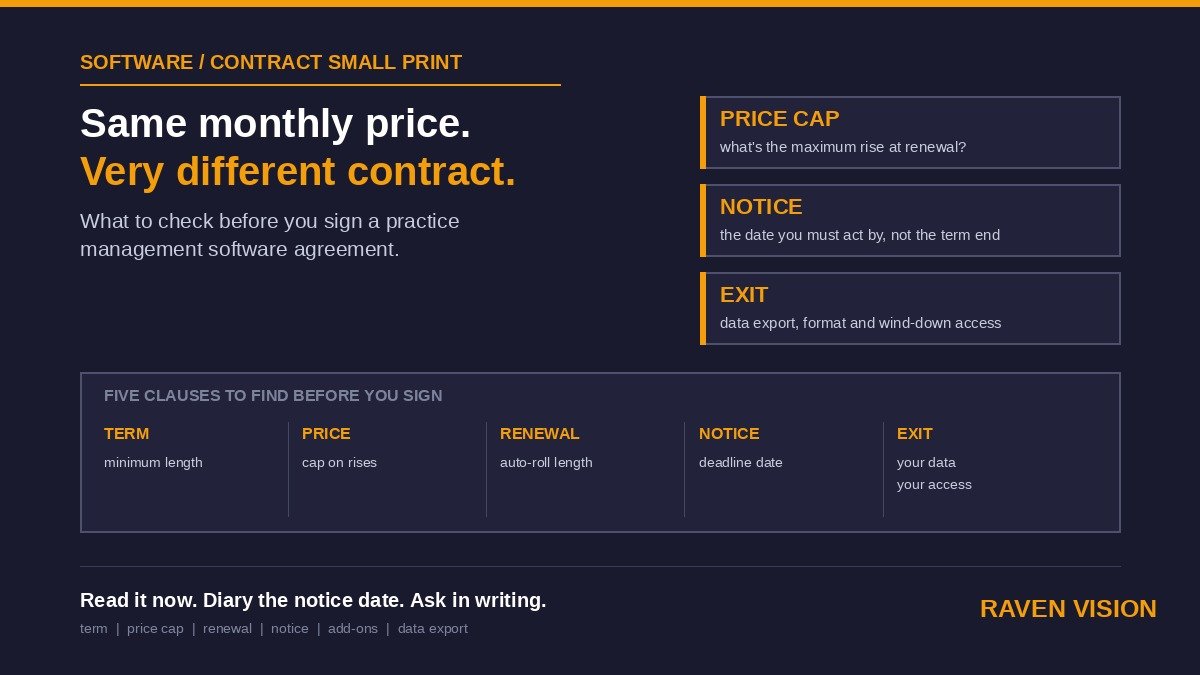
If the support turns out to be poor, how trapped are you? Long tie-ins, data held hostage, and steep exit fees are the things that turn a bad onboarding into a bad few years. No lock-in is a feature, not a footnote.
Ten questions to ask every vendor before you sign
Bring these to the demo and write down the answers. Vagueness on any of them is itself an answer.
1. Who physically does the data migration — your team or mine — and who’s accountable if something doesn’t come across?
2. How do you validate that the migration was complete and correct before we go live?
3. Can we run the old and new systems in parallel during the switch?
4. Is there a named onboarding contact, and are they available on go-live day?
5. What does training cover for reception versus dispensing versus clinical staff?
6. Can we train new starters later, and what does that cost?
7. What are your support hours, and which channels can we use?
8. What’s your typical response time when a clinic is down mid-session?
9. Is your support team UK-based and trained on optical workflows?
10. What’s the contract length, and what happens to our data if we leave?
Five red flags
Some answers should make you slow right down.
“You can migrate the data yourself.” If the vendor won’t own the migration, you’re carrying the highest-risk part of the project alone — usually right when you have the least familiarity with the new system.
Onboarding and training priced as add-ons. A system where getting started costs four figures on top of the subscription is telling you that the company sees support as a revenue line, not a relationship.
Support hours that don’t match clinic hours. A helpline that closes before your last appointment is no help during the exact moments you’ll need it.
A generic, non-optical support team. If you have to explain GOS, recalls and dispensing before you can explain the problem, every support call will be twice as long and half as useful.
Long contracts with painful exits. Confidence shows up as flexibility. A vendor that locks you in for years is hedging against you wanting to leave.
What good looks like in 2026
The bar has moved. A well-run onboarding in 2026 looks like this: the vendor’s team extracts and maps your data, validates it with you, and you sign off before go-live. Setup of your diary, templates and branches is done together, not dumped on you. Training is role-based and repeatable, so a new receptionist next year isn’t left to figure it out. Support is UK-based, runs across your clinic day, and is staffed by people who know what they’re looking at when you describe an optical problem. And none of it is a surprise line item — onboarding, migration and training are part of the deal, not the upsell.
Staff training on a well-designed system takes days, not months. If a vendor tells you their software needs weeks of training to become usable, that’s a comment on the software, not on your team.
Where Raven Vision sits
We’ll be straight about our own position, because this is the part of the comparison we built the company around. Raven Vision was built inside real practices first — our co-founder runs three of his own — so the onboarding was designed by people who’ve actually switched optical software under the pressure of a live clinic, not by a project team who’ve never worked a dispense desk.
Practically, that means free data migration handled by our team, free white-glove onboarding, and training that’s part of getting started rather than a separate invoice — all inside the £149/month, with no setup fee and no lock-in. The point isn’t that we’re cheaper. It’s that the parts of the switch most likely to go wrong are the parts we take off your plate. You can see how the platform fits together on our features page.
Before you sign anything
Run the ten questions above against every system on your shortlist, including your current one if you’re weighing whether to stay. Get the people who’ll actually use the support — reception, dispensing, clinical — into the demo. And treat any vagueness about migration, training or response times as a real cost, because that’s exactly what it becomes once you’re live.
The feature list tells you what a system can do. The support tells you whether you’ll ever get to use it. If you’d like to see what onboarding looks like when the people who built the software have run a practice themselves, book a demo and ask us every one of those ten questions.