
Most practice management software decisions are made in the worst possible setting: a one-hour video call, driven by a salesperson, watched by an owner who’s already thinking about the 2:40 patient. The vendor shows you the polished path. You nod. Three months later you find out the system can’t handle a split GOS claim or a family with four different recall dates, and by then you’ve migrated your records and signed for twelve months.
This isn’t a rare story. Capterra’s global Tech Trends research found that 59% of businesses regret at least one software purchase made in the previous 18 months — and most of them described the financial impact as significant. The same body of research points to something more useful, though: buyers who ran proper product trials, and who kept their evaluation tight, were far less likely to end up in that group. Successful buyers were 25% more likely to have factored a real trial into their decision, and 57% of them wrapped up their evaluation in three months or less. Regretful buyers dithered — 54% took five months or more.
So the difference between a PMS you love and a PMS you’re stuck with usually isn’t the software. It’s how you tested it. Here’s how to run demos and free trials properly — as a UK independent optician, with a practice to run in the meantime.
Demos and trials answer different questions
Start by being clear about what each one is for, because vendors will happily blur the line.
A demo is vendor-driven. Someone who knows the software inside out shows you the routes that work best. That’s not deceit — it’s what you’d do too — but it means a demo can only answer one question: does this system do the things the vendor says it does? It can’t tell you whether your front desk can use it on a Saturday morning with a queue at the till.
A free trial is yours. Your data (or a realistic sample of it), your staff, your workflows, your worst days. A trial answers the question that actually matters: can my practice run on this?
You need both, in that order. Use demos to shortlist. Use a trial to decide. And if a vendor offers no trial at all — no sandbox, no pilot period, no money-back window — treat that as information. It usually means they’d rather you found the rough edges after the contract is signed.
Before you book a single demo: write down your ten worst days
The biggest mistake practices make is walking into demos with no script, which hands the script to the vendor. Before you book anything, sit down with your team for half an hour and list the ten scenarios that genuinely stress your current system. Not features — scenarios. For most independents the list looks something like this:
- A GOS 1 and a private fee on the same visit, claimed and reconciled correctly
- A family of five with different recall intervals, one of whom has moved practice
- Saturday morning: full clinic, two walk-in repairs, one collection, a phone booking — all hitting the front desk at once
- A patient who cancels twice, rebooks online, then no-shows
- A frame sold from stock that needs reordering, margin visible, supplier attached
- End of day: till reconciliation against the diary and the dispensing record
- An optometrist referring urgently mid-clinic, with the letter and the audit trail
- Pulling last quarter’s dispense rate per optom without exporting to a spreadsheet
- A locum logging in for one day with the right permissions and none of the wrong ones
- Getting your data out — full patient records, in a usable format, without begging
Your list will differ. The point is that this list — not the vendor’s slide deck — becomes the agenda for every demo and the test plan for every trial. If you’ve already read our guide to switching practice management software, you’ll recognise the principle: the practice defines the test, or the vendor will.
How to run a demo like an audit, not a screening
Once you’ve got a shortlist — two or three systems is plenty — book demos and take control of them politely but completely.
Send your scenarios in advance
Email your ten scenarios to the vendor before the call and say you’d like the demo built around them. A good vendor will be delighted; it’s a chance to show real capability. A vendor who ignores the list and delivers the standard tour has told you something about how they’ll treat you as a customer.
Bring the people who’ll actually use it
Owners buy software; front desks live in it. Have your receptionist or practice manager on the call, and let them ask the awkward questions — how many clicks to rebook, what happens when the patient’s on the phone mid-search, can you see the diary and the patient record at the same time. An optometrist should see the clinical record and referral flow. Ten minutes of a DO poking at the dispensing screen is worth more than an hour of feature narration.
Watch the clicks, not the talk
Count the steps for your most repeated tasks. Booking an appointment happens dozens of times a day; if it takes eight clicks in one system and three in another, that difference compounds into hours a week. Ask the presenter to slow down and repeat anything that looked suspiciously smooth. “Can you do that again, but as if the patient just changed their mind halfway through?” is a wonderful question.
Ask what it can’t do
Every system has gaps. A vendor who names theirs honestly — “we don’t do X yet, it’s on the roadmap for autumn” — is showing you what support will feel like later. A vendor who claims the software does everything is showing you the same thing.
Running a free trial that actually tests something
Most free trials are wasted. The practice gets a login, two people click around an empty system for twenty minutes over a fortnight, nobody enters real data, and the decision ends up being made on the demo after all. If you’re going to trial a system — and you should — treat it like a short project with a start, a plan and an end date.
Put real weight on it
An empty database tells you nothing. Ask the vendor to load a sample of your actual data — even a few hundred anonymised patient records, your appointment types, your frame ranges. How a vendor handles this sample migration is a preview of the real one. (Our comparison of onboarding and support across UK optician PMS vendors goes deeper on what good migration help looks like.)
Run your scenarios, on rota
Assign the ten scenarios across the team with names and deadlines. Front desk takes the Saturday-morning chaos test and the rebooking loop. The DO takes dispensing, stock and till reconciliation. The optom takes the clinical record and the urgent referral. You take reporting and the data-exit question. Everyone scores what they tested. Two focused weeks beats two aimless months — remember, the buyers who regretted their purchase were the ones whose evaluations dragged past five months.
Test the support desk on purpose
During the trial, ring support with a real question — ideally at 5:20pm on a Friday. Response time, tone, and whether the answer actually fixed the problem will tell you more about the next five years than any service-level promise in the contract.
The questions that reveal more than the feature list
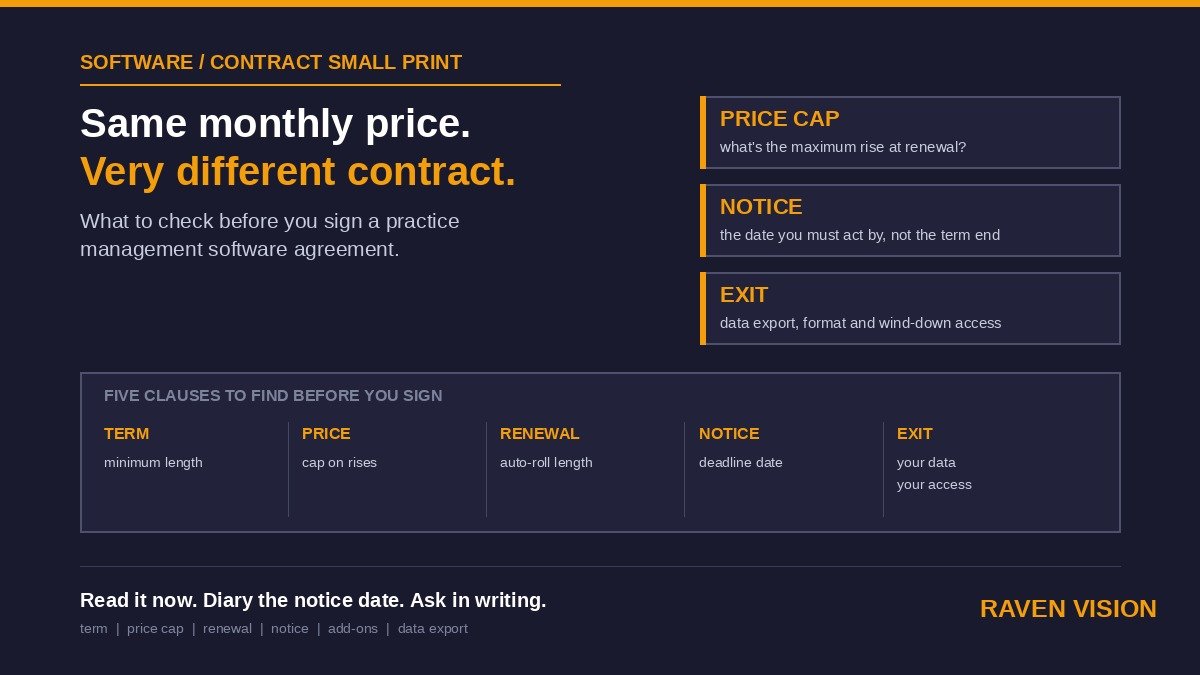
Somewhere between demo and decision, get plain answers — in writing — to the questions that don’t appear on any comparison chart:
- Total monthly cost, all-in. Per site or per user? Do SMS reminders, eGOS claims, online booking or extra logins cost more? (We’ve broken down the gap between headline and real pricing in the true cost of practice management software for UK opticians.)
- Contract length and exit terms. Monthly rolling, or a 12–36 month lock-in dressed up as a discount? What’s the notice period?
- Data exit. If you leave, what do you get, in what format, how fast, and at what cost? Ask them to show you an export, not describe one.
- Training and onboarding. Included or billed by the hour? Who does the data migration, and who’s liable if it goes wrong?
- Updates and downtime. How often does the system update, and does it go down to do it — and at what time of day?
None of these questions is rude. Any vendor discomfort in answering them is, again, information.
Red flags worth walking away from
A few patterns show up so often in regretted purchases that they deserve their own list. Walk away, or at least slow down, when you meet: a vendor who won’t offer any trial, sandbox or money-back window; pricing that can’t be stated in one sentence; pressure to sign before a “deal expires”; a demo that dodges your scenarios twice; no straight answer on data export; and — subtle but telling — a system where every question gets answered with “there’s a workaround for that.” A workaround on day one is a workflow by year one.
A simple scoring sheet keeps everyone honest
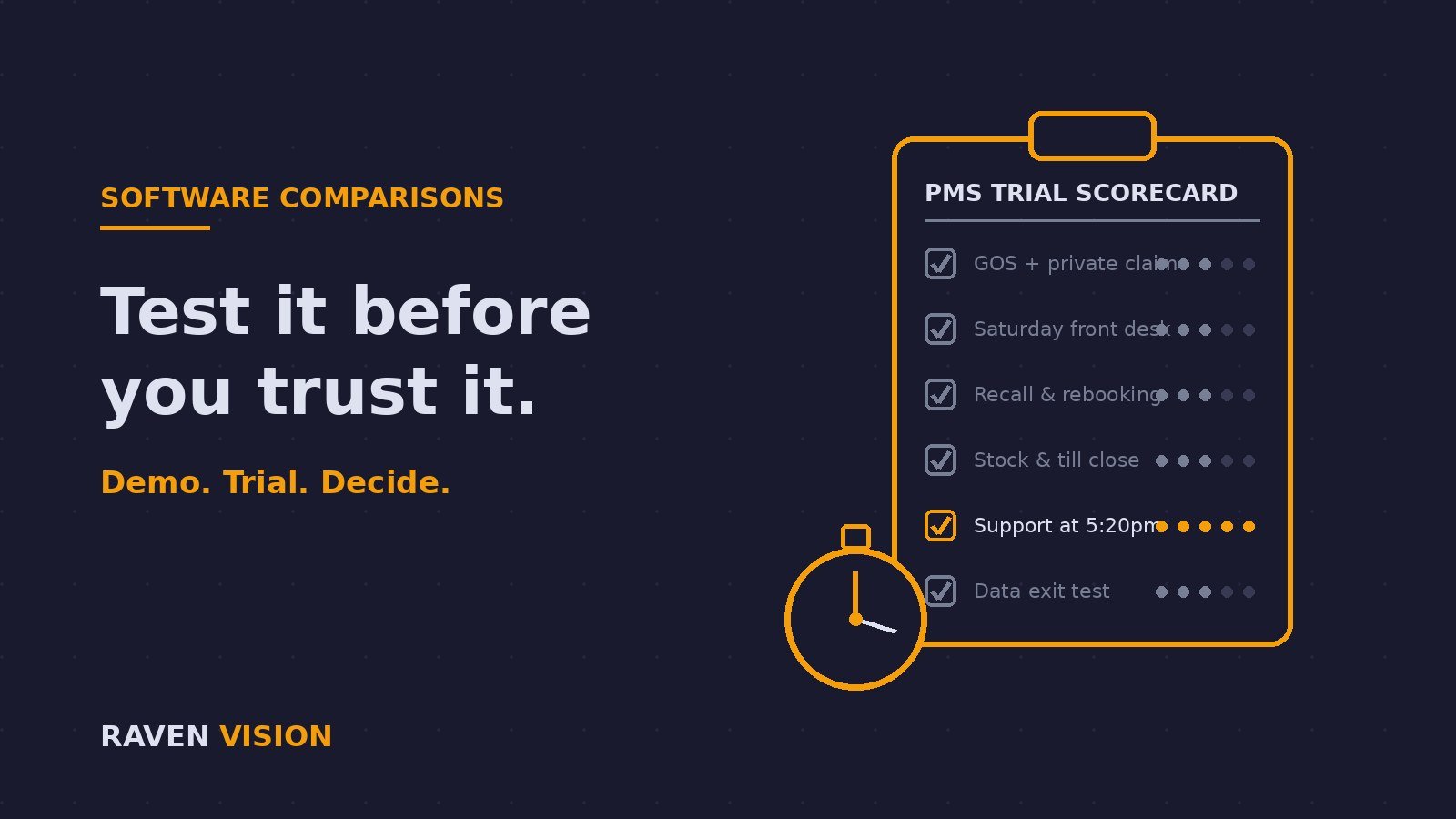
When two or three systems are in play, memory gets slippery and the best salesperson tends to win. Fix that with a one-page score sheet: your ten scenarios down the side, the shortlisted systems across the top, marks out of five from the person who tested each row, plus three shared rows at the bottom for support responsiveness, total real cost and exit terms. It takes an evening to fill in and it turns “I liked the second one” into a decision you can defend — to your accountant, your team and your future self.
What a fair trial looks like from the vendor’s side
We’ll be straightforward about where we stand, because Raven Vision was built inside working practices — our co-founder Shaukat is an optometrist who’s run his own three practices for over three decades, and the software ran his front desks before it ran anyone else’s. That history shaped how we handle evaluation: we think the vendor should carry the risk of the test, not the practice.
So RV’s offer is built the way this article says it should be: £149/month all-in, with your first 3 months free, free data migration (we load your real records, so your trial isn’t an empty box), white-glove onboarding from someone who’s actually worked a clinic, a 30-day money-back guarantee and no long-term lock-in — because a vendor who’s confident in their system on your worst day doesn’t need a contract to keep you.
Bring us your ten scenarios. All of them. You can see exactly what’s included on our pricing page, or book a demo — and yes, we’d genuinely like your list in advance.